
Choose the right Mercedes check
A vehicle-specific specification helps investigate factory equipment. A history report helps investigate recorded events. Neither replaces checking the actual car, its documents and its condition.

Find the VIN on your Mercedes-Benz
Start with the exact model, body and market handbook. Compare the number on the vehicle with its registration and invoices. A windscreen label, where fitted, is convenient to read, but use the manufacturer’s documentation to identify other markings. Do not assume a passenger-car diagram applies to a van, converted chassis or every model year.
Ask the seller to show the physical identifier at the viewing. Resolve a mismatch or a damaged or unreadable marking before relying on a paid lookup. The Mercedes-Benz VIN guide provides a short checklist for identity and equipment.
Read the number without guessing the specification
A standard VIN has 17 characters. Its WMI identifies the manufacturer, the VDS describes the vehicle and the VIS supplies the identifying section. Use manufacturer-specific information to interpret the details. Do not assume that an online table for one market or model family applies to another.
Request the vehicle-specific factory specification or equipment record from an appropriate Mercedes-Benz retailer when an option affects your purchase. A general decoder can omit details. Match the recorded engine, transmission and other relevant equipment to the actual vehicle instead of treating a badge as confirmation.
Check AMG, options and later changes
Separate a factory variant from an appearance package or a later modification. Ask for evidence supporting AMG, assistance-package, suspension and other claims that influence the price. A specification can describe the original vehicle; it cannot show that every fitted feature works today.
Demonstrate the equipment, ask about replaced components and review relevant invoices. For a converted vehicle, obtain the bodybuilder’s documents and any applicable inspection evidence as well as the original chassis information. Use a qualified specialist where the physical vehicle and the records disagree.
Compare three history-report routes
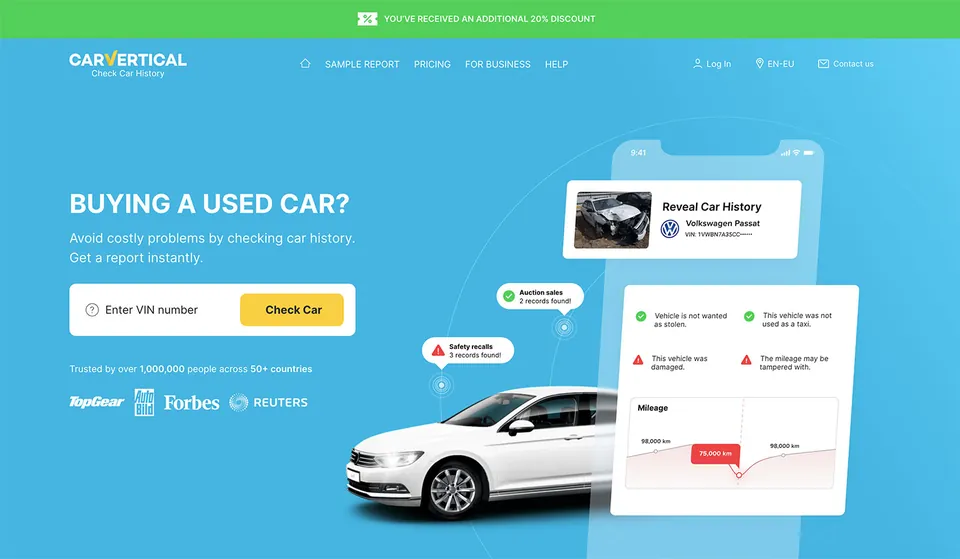
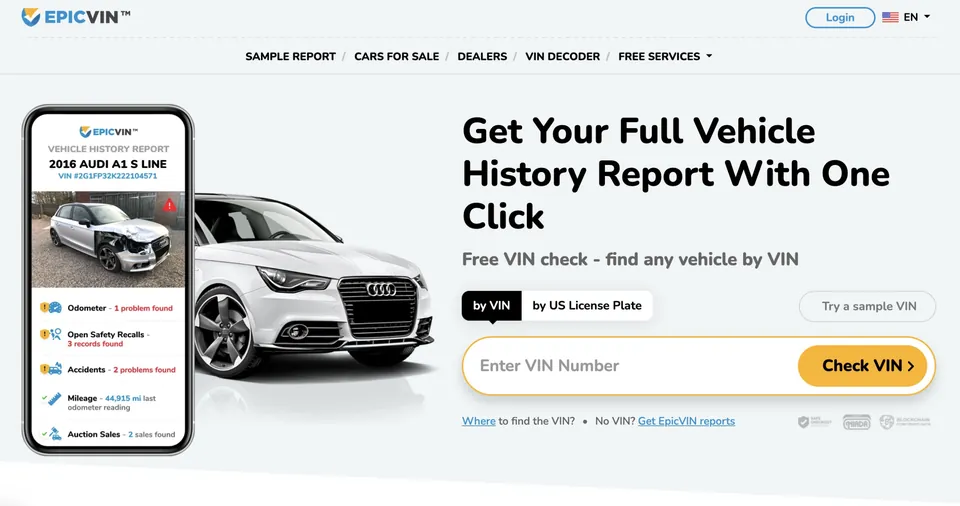
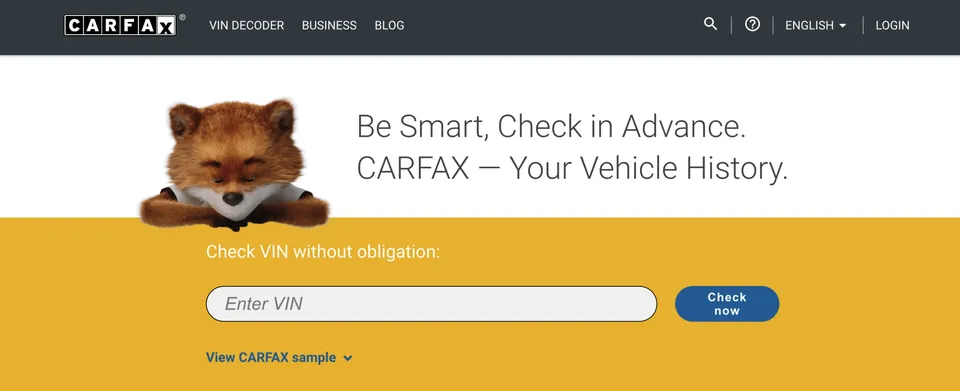
The earlier article compared carVertical, EpicVIN and CARFAX. Keep the vehicle’s earlier registration countries in view: a service useful for US history may not answer the same questions about a car used only in Europe. Confirm the regional product, sample fields, availability and purchase terms before paying.
- carVertical: investigate whether the offered international records answer your questions for this vehicle.
- EpicVIN: assess whether its US-focused records are relevant to the car’s earlier use.
- CARFAX: choose the appropriate regional product and check its stated coverage.
This is a selection framework, not a claim that one service has every record or that we purchased a new report for this article. We may receive a commission through provider links.
View the three archived provider illustrations
Original article images are restored below. They document an earlier interface; shown offers and report fields may differ today.
Read service, mileage and import evidence together
Build a simple timeline from inspection records, workshop invoices and available history entries. Record the date, mileage, country and source of each observation. A gap is a question for the seller, not automatic evidence of fraud or a clean past.
Ask for earlier registration documents when the car was imported. Confirm any important service claim with the recorded workshop or an appropriate retailer where access is available. A decoded identity cannot establish current mechanical condition, and a blank damage section cannot prove the car has never been repaired.
Before a deposit, reconcile the identity, review the paperwork and arrange an independent inspection where appropriate. Read our viewing checklist and compare report providers by the missing evidence rather than a single headline price.